Saved host to workspace
Use one saved host as the stable identity for multiple terminal workspaces.
- Keep host settings in one profile
- Open multiple sessions from the same host
- Give terminal titles their own identity
Native iOS terminal
SSHELL is a native SSH, Mosh and tmux terminal for saved hosts, local SSH keys, remote files and session persistence. Download free, use the 7-day trial, then unlock lifetime access for £2.99 with no subscription; previous paid-upfront customers keep full access.
iPad workspace
The current public screenshots are raw simulator captures from the normal app. They show saved hosts and a connected iPad terminal exactly as captured.
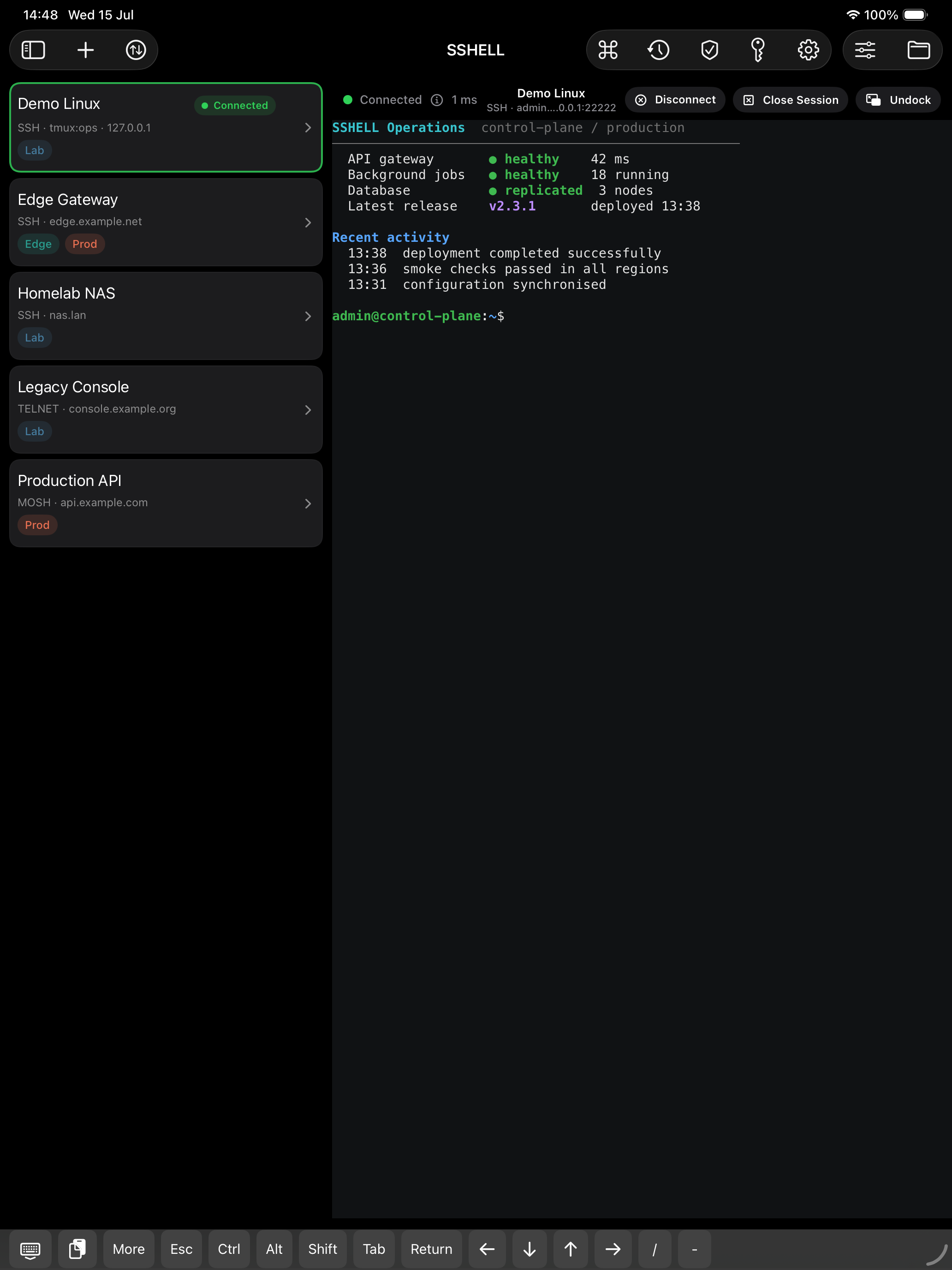
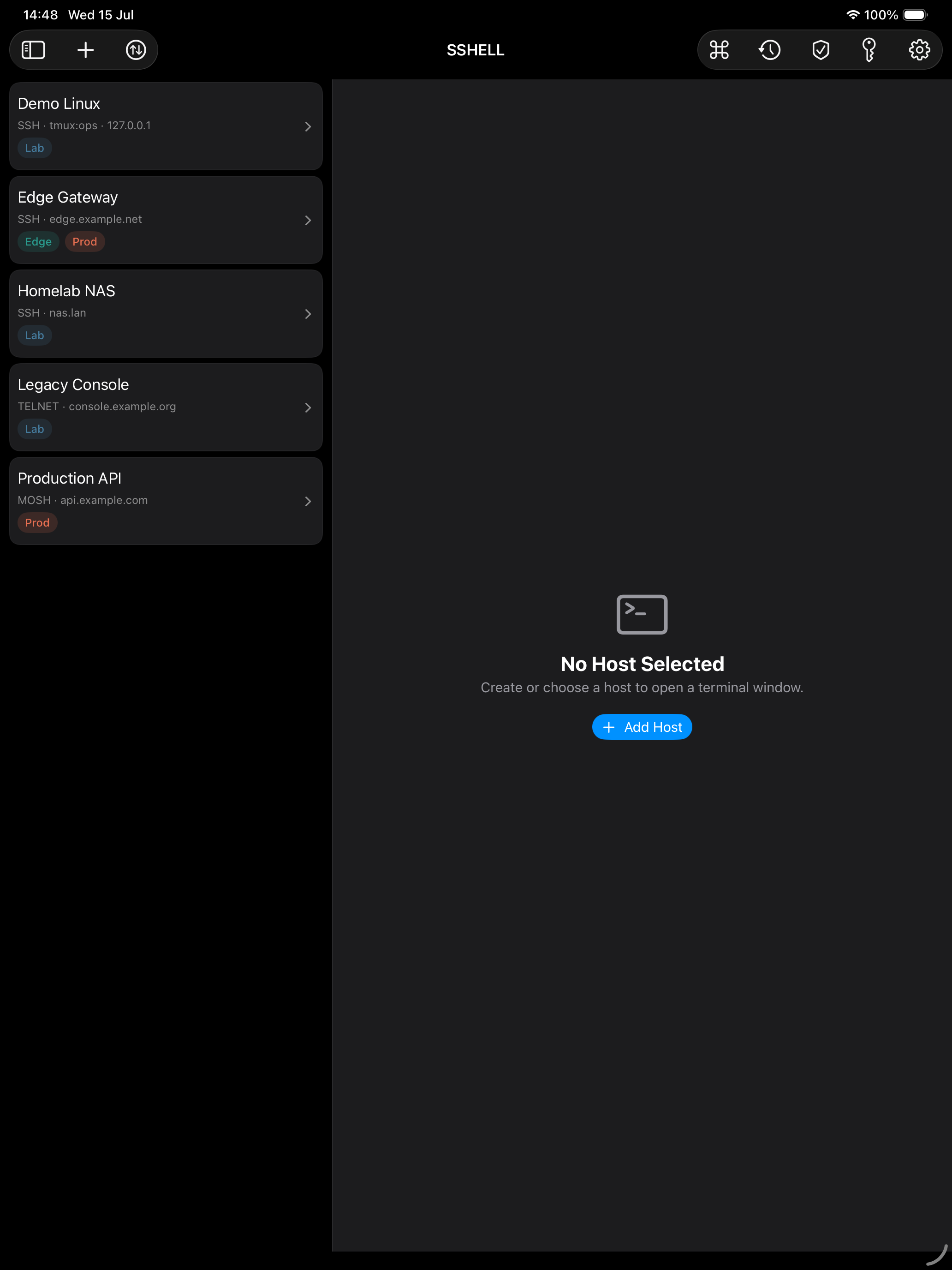
Use the iPad workspace for terminal state, file browser controls, host preferences and hardware keyboard actions.
Workflow model
SSHELL v2 treats a saved host as the stable infrastructure identity. Multiple app workspaces can branch from that host, including windows exposed by the configured remote tmux session.
Use one saved host as the stable identity for multiple terminal workspaces.
Open remote tmux windows from the host workflow instead of duplicating saved hosts.
Keep multiple sessions visible when you need live shells, monitoring output and recovery work open at the same time.
Switch from a shell session to remote folders when a file needs inspection or transfer.
Use Mosh where UDP is reachable and your connection path changes between Wi-Fi, cellular or VPN.
Keep host-side convenience features explicit when a server can affect your device.
Reliability
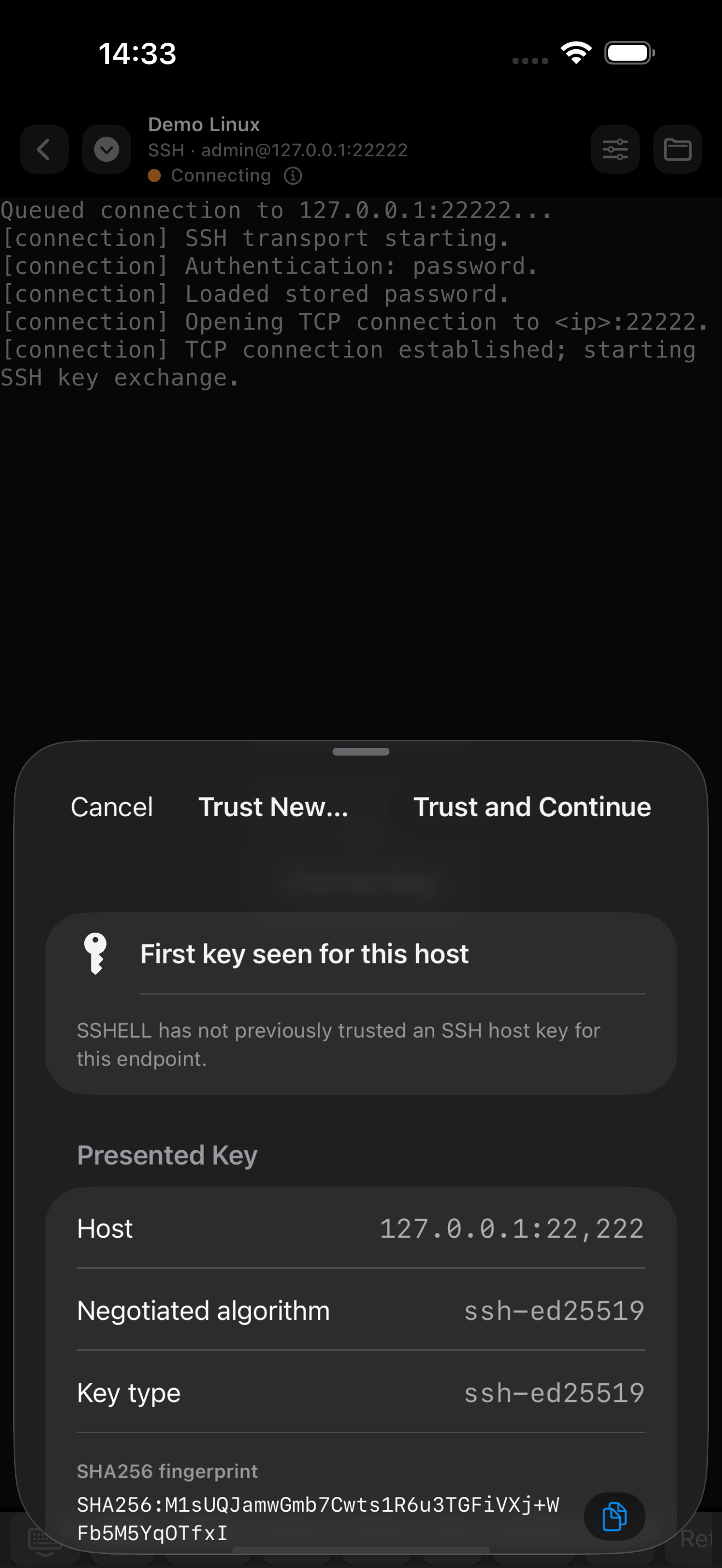
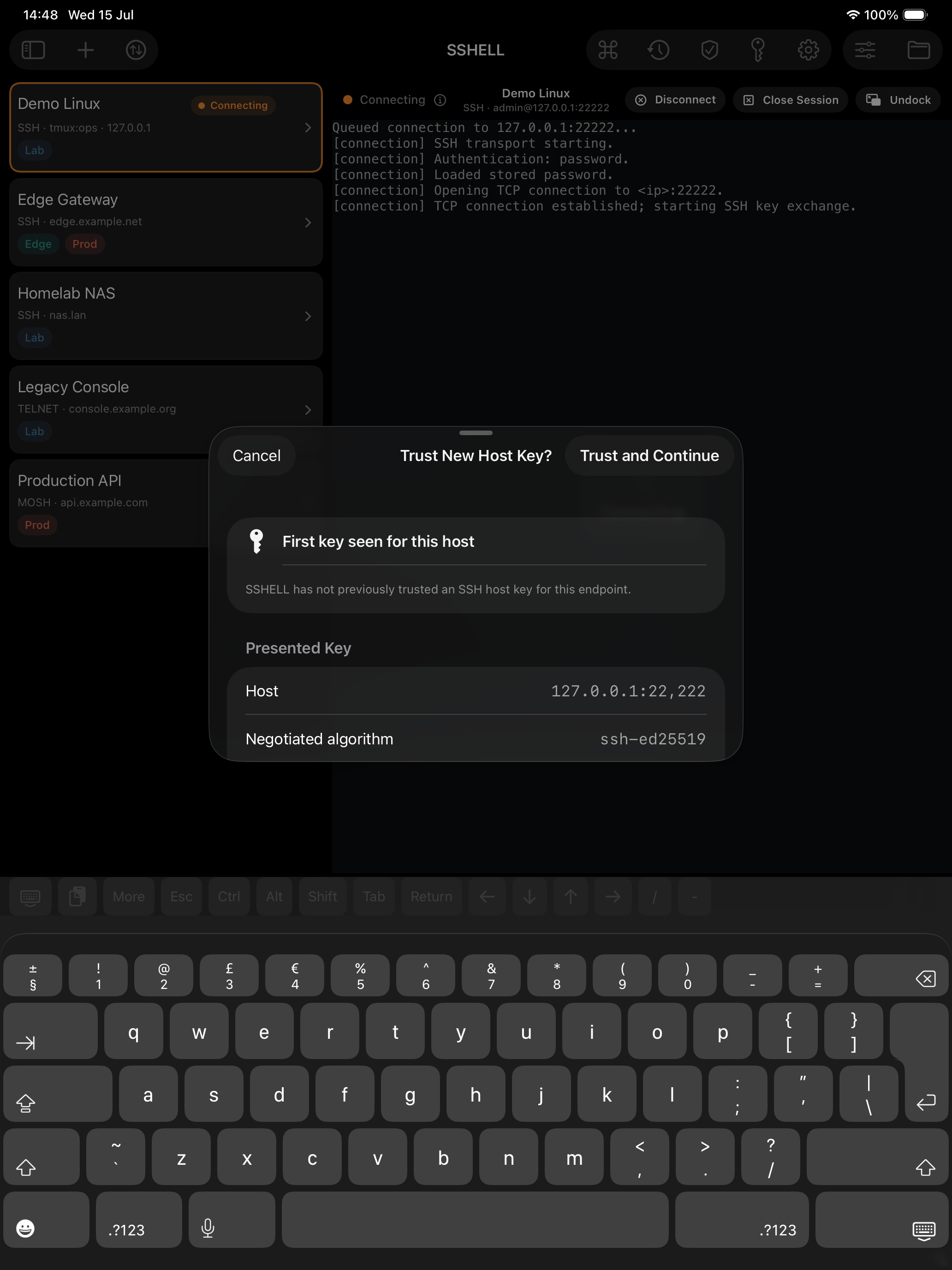
SSHELL surfaces reconnect state, stores credentials in the system keychain and asks before trusting new or changed host keys.
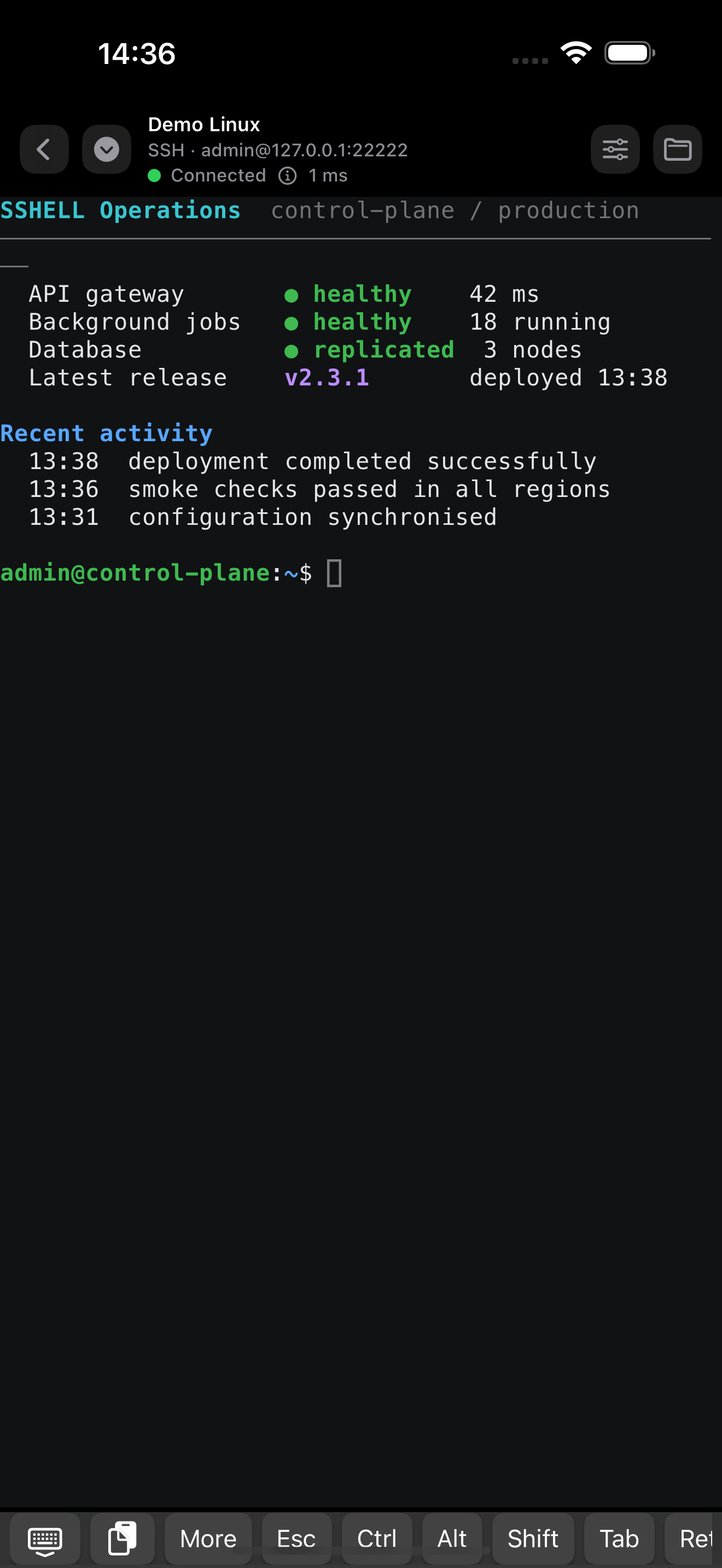
Connection states are visible as sessions connect, reconnect, fail or disconnect.
SSHELL stores known-host records and asks before trusting new or changed server keys.
Saved passwords, private keys and Mosh session snapshots use iOS and iPadOS keychain storage.
Remote files
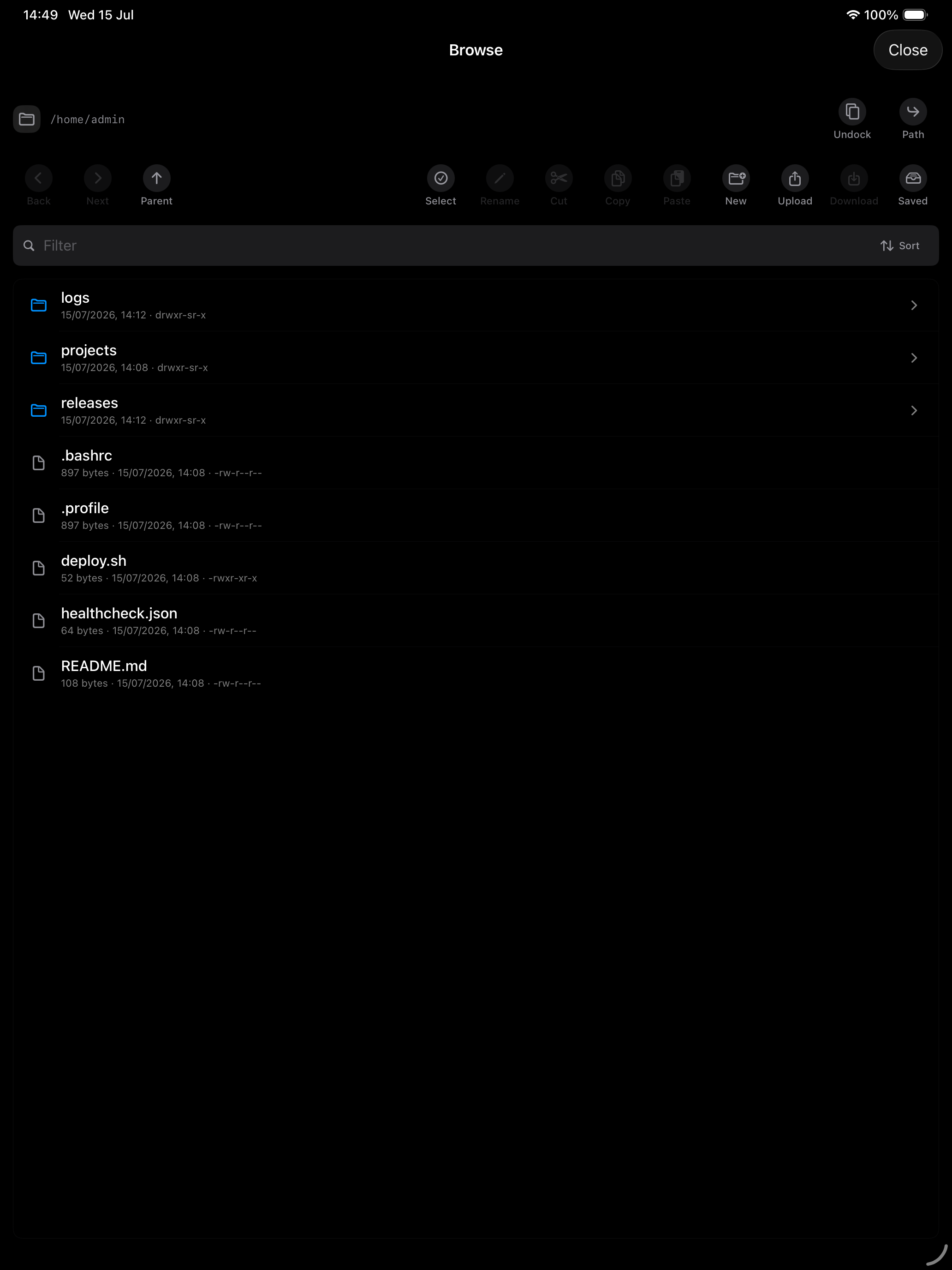
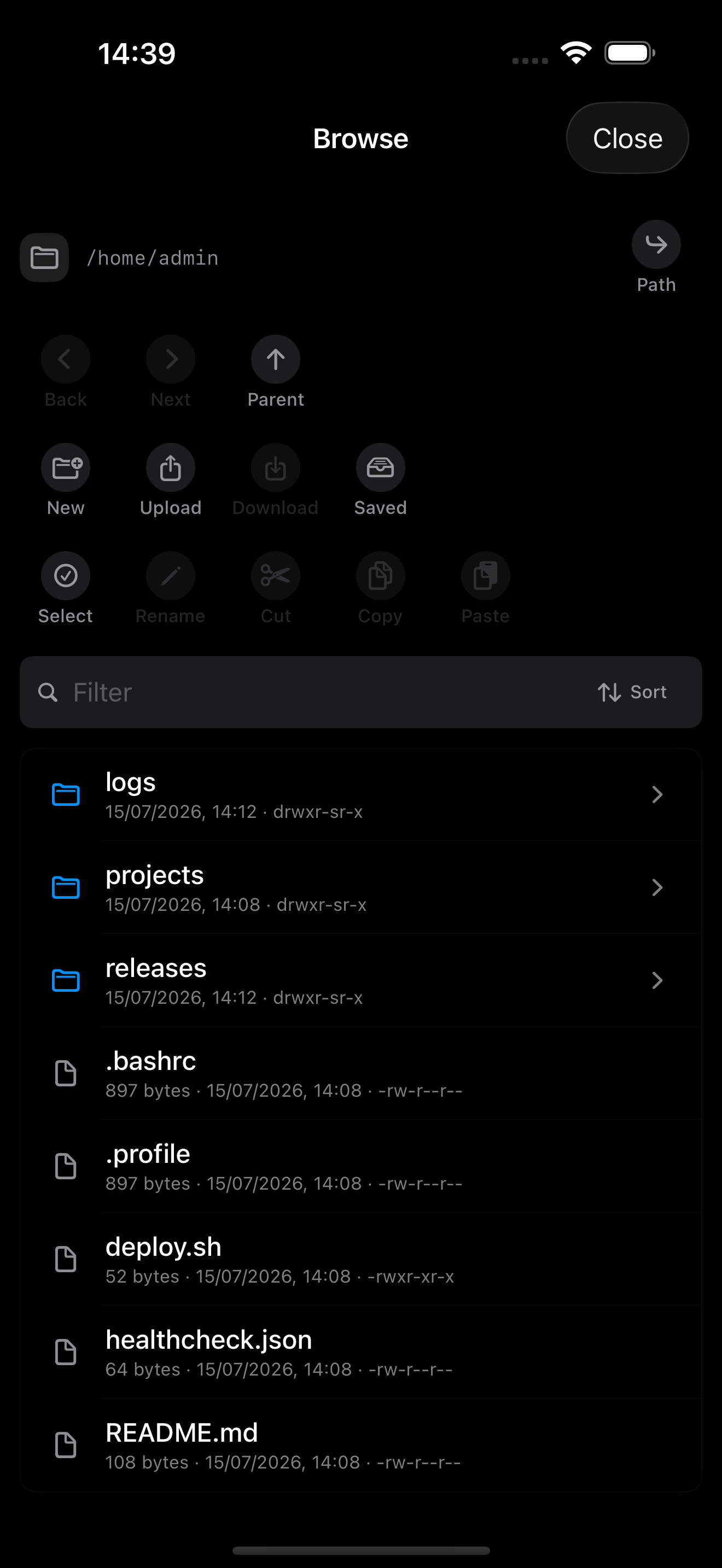
Use remote files for SSH and Mosh profiles when you need a quick inspection or transfer path next to the terminal. The real iPad capture below shows a populated browser on a connected host.
 Browser panel
Connected remote files
Browser panel
Connected remote files
Open the file browser for reachable SSH and Mosh profiles and move through directories from the current path.
Move files between iOS/iPadOS and the remote host with progress and cancellation.
Run conservative file operations with confirmations for destructive changes.
Platform support
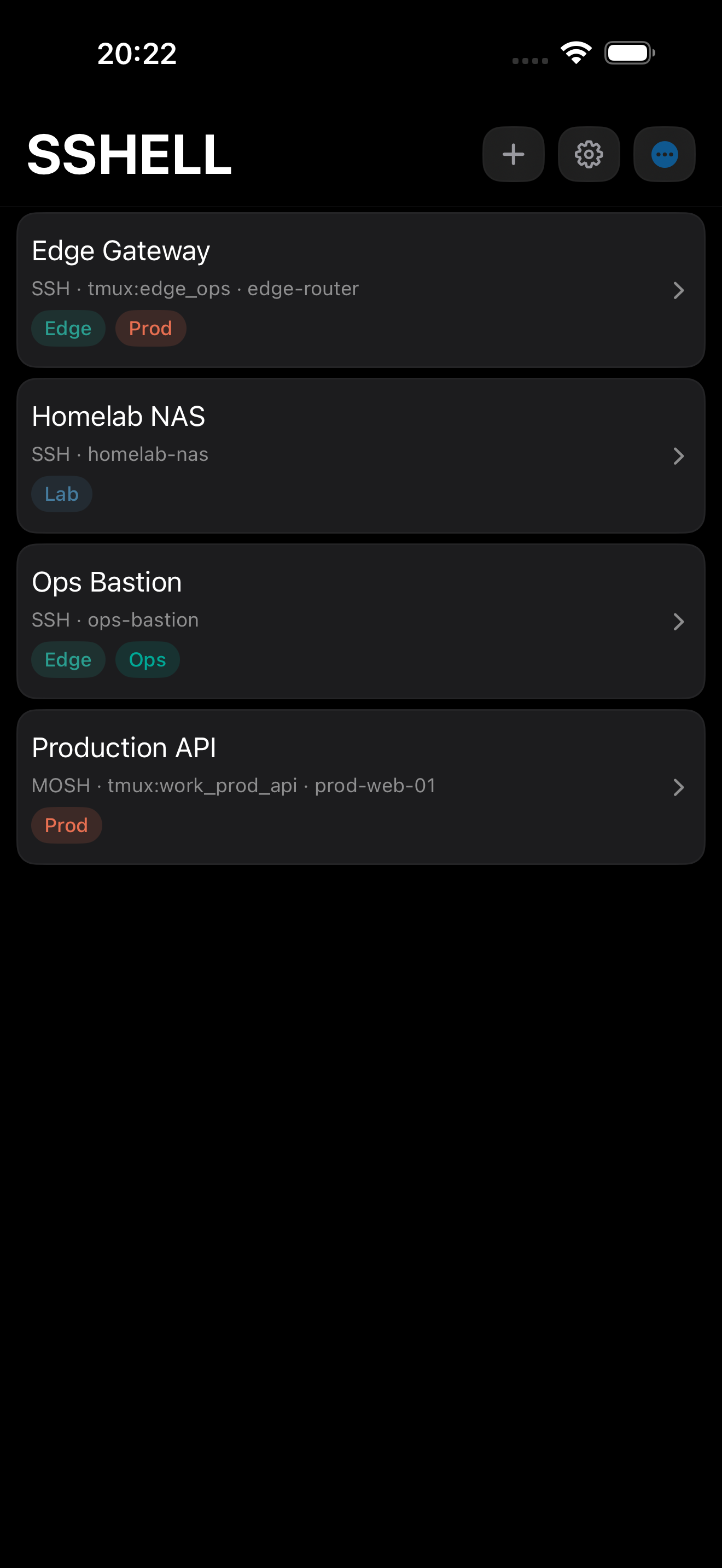
SSHELL is built for iOS and iPadOS, with layouts for phone screens, tablet split views, detached windows, hardware keyboards and pointer input.
Use SSHELL in regular iPad layouts, Split View, Stage Manager and detached terminal windows.
Use saved hosts, terminal sessions, remote files and SSH keys on compact screens.
Use hardware keyboards, pointer scrolling and terminal gestures where they fit the current device.
In the app
These are raw screenshots captured on 2026-06-03 from the normal running iPhone and iPad simulator app. No generated screenshot renders or demo-mode captures are used.
Security
Connect from your device to the hosts you configure.
Passwords and saved keys use iOS and iPadOS keychain storage.
Known-host prompts warn when a server identity changes.
Telnet is unencrypted and intended for trusted legacy environments.
Changelog
Read the release notes before updating hosts, keys or iPad workflows that depend on SSHELL.
Download
Download from the App Store, unlock lifetime access with a one-time purchase and no subscription, or use your previous paid app purchase, then add hosts, keys, tags and terminal preferences.

Help
Use the FAQ for protocol and credential questions, the support guide for connection checks, the changelog for release notes and the privacy page for data-handling claims.
Download free, use the 7-day trial, then unlock lifetime access for one £2.99 purchase. No subscription.
Read the latest SSHELL release notes before updating or recommending the app.
Short answers for protocols, credentials, remote files, iCloud sync and Telnet safety.
Connection setup, troubleshooting checks and the details to include in a support request.
How SSHELL describes accounts, credentials, sync and direct server connections.