Native iPhone and iPad SSH terminal
Connect to real servers from compact iPhone screens or larger iPad workspaces.
Press kit
SSHELL Terminal is a modern SSH terminal for iPhone and iPad, built for developers, sysadmins, homelab users and technical professionals who need practical server access away from the desk.
Short app description
SSHELL Terminal is a modern SSH terminal app for iPhone and iPad, designed for developers, sysadmins, homelab users, and technical professionals who need reliable server access away from the desk.
Longer app description
SSHELL Terminal gives iPhone and iPad users SSH access through a clean terminal-first interface, with multiple sessions, iPad multi-window workflows and external keyboard-friendly controls. It is built for real-world admin tasks: checking logs, managing infrastructure, restarting services and handling urgent fixes when a laptop is not in reach. SSHELL Terminal is available on the App Store with a free 7-day trial.
Founder story
SSHELL Terminal is the first app from solo developer Simon Stace. It was built from a real-world pain: SSH on mobile often feels awkward when serious work is needed. The goal is to make iPhone and iPad feel like practical admin tools, not just emergency fallback devices.
Key facts
| App name | SSHELL Terminal |
|---|---|
| App type | SSH terminal client |
| Category | Developer Tools / Productivity |
| Platforms | iPhone and iPad |
| Availability | App Store |
| Trial | Free 7-day trial |
| Developer | Simon Stace |
| Contact | support@staces.co.uk |
| Website | sshell.staces.co.uk |
Key features
Connect to real servers from compact iPhone screens or larger iPad workspaces.
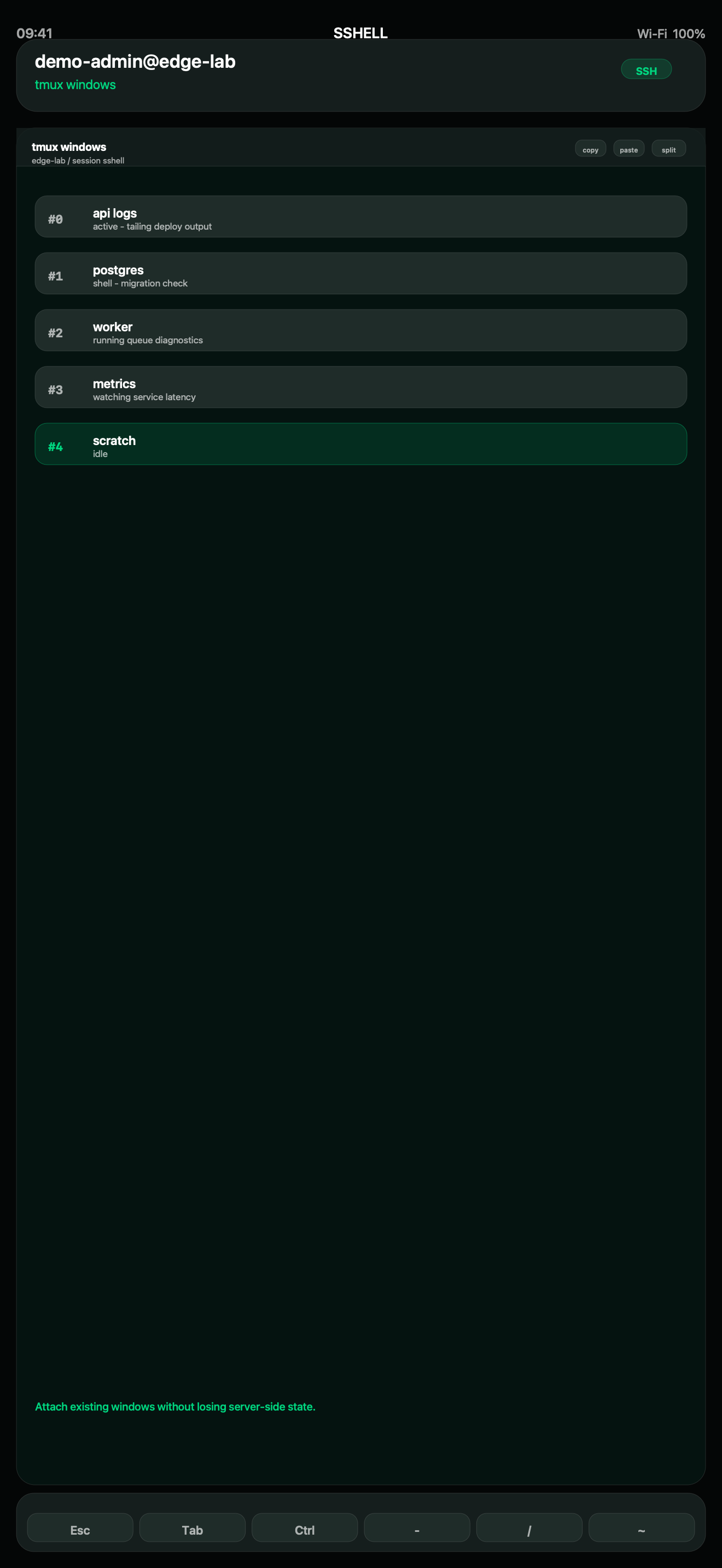
Keep separate live workspaces for logs, service checks, deployment work and recovery tasks.
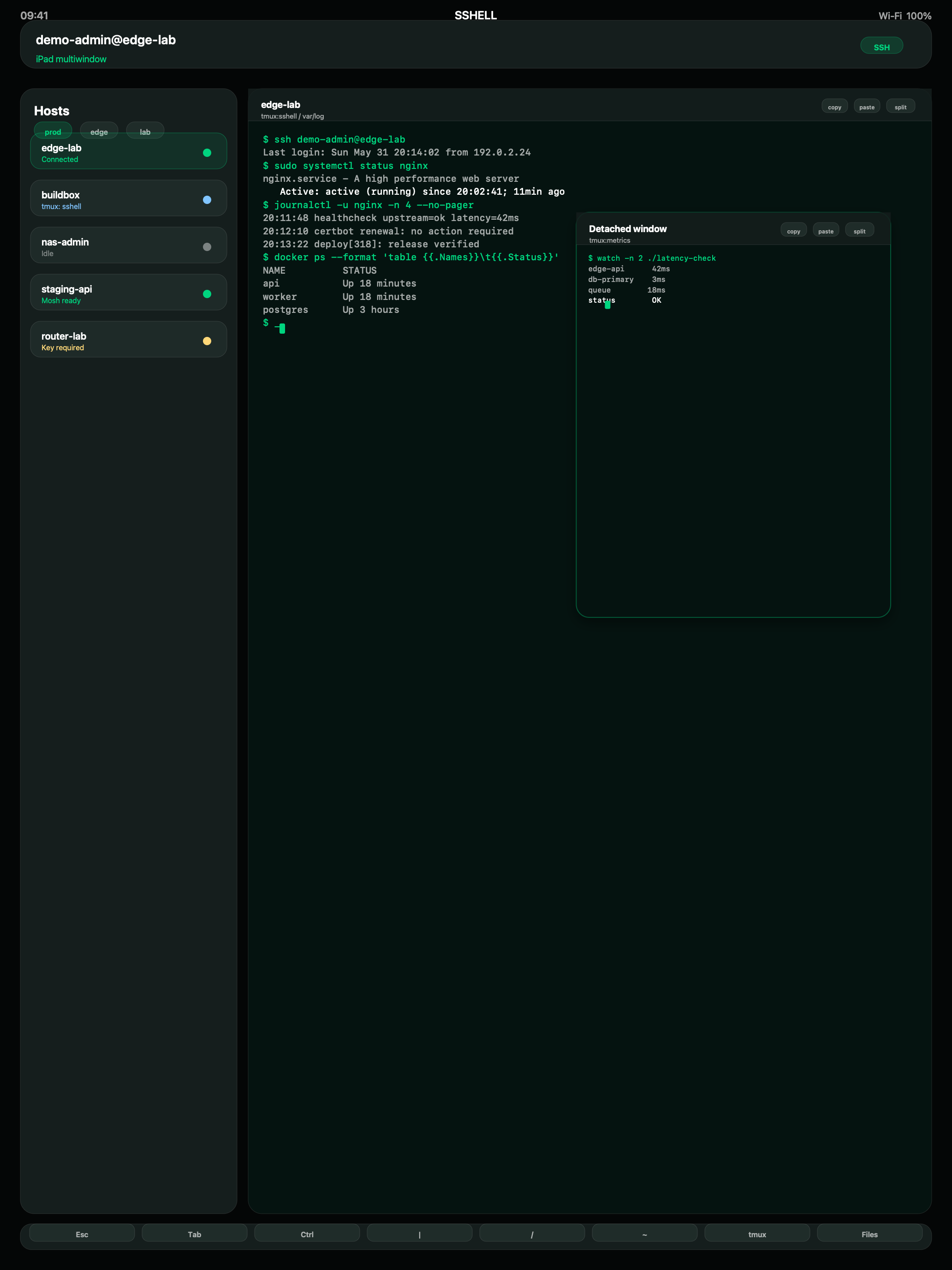
Use SSHELL across iPad layouts where multiple shells and supporting views need to stay visible.
Terminal controls are designed for touch, hardware keyboards and admin work away from a desk.
The app keeps the shell, host identity and connection state prominent.
Designed for developers, sysadmins, homelab users and infrastructure operators.
Suggested review angles
Media assets
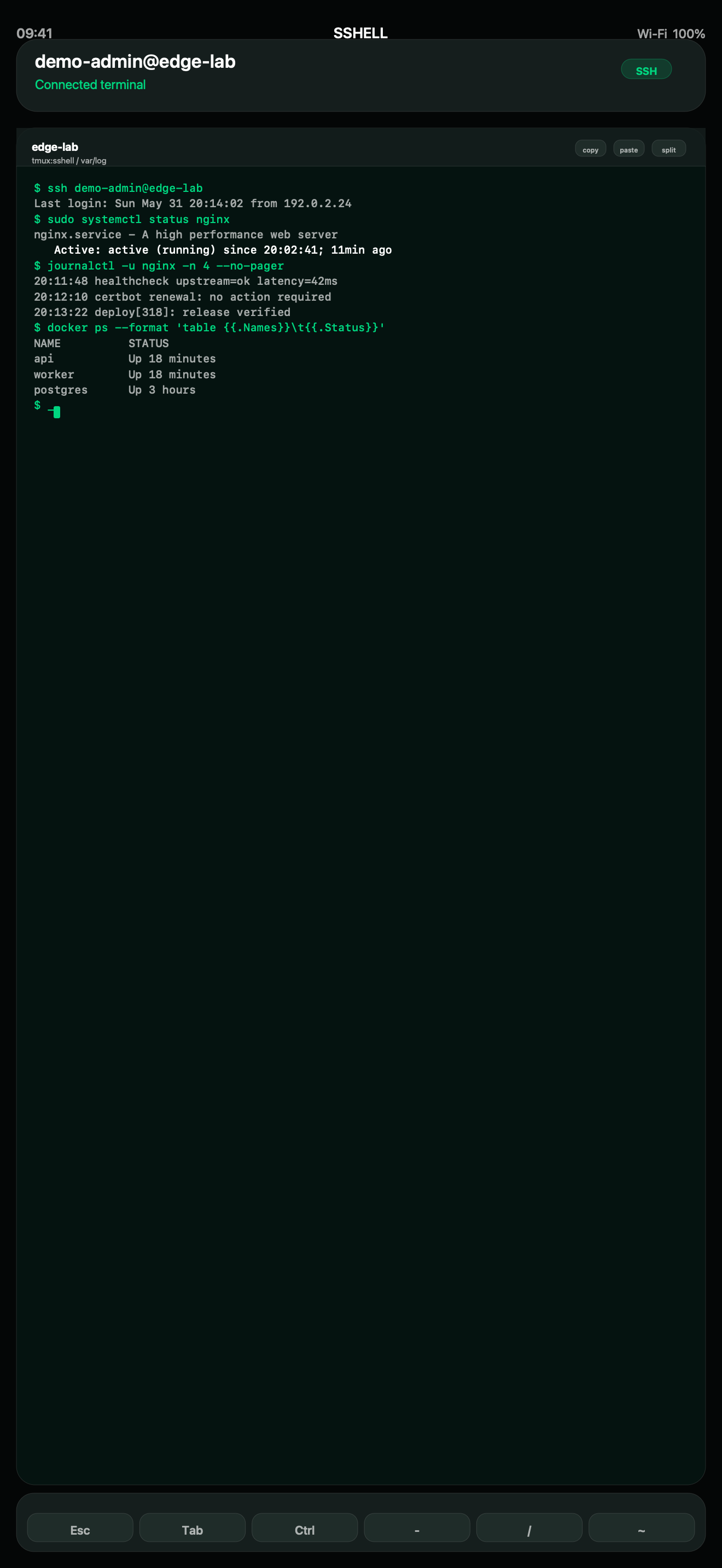
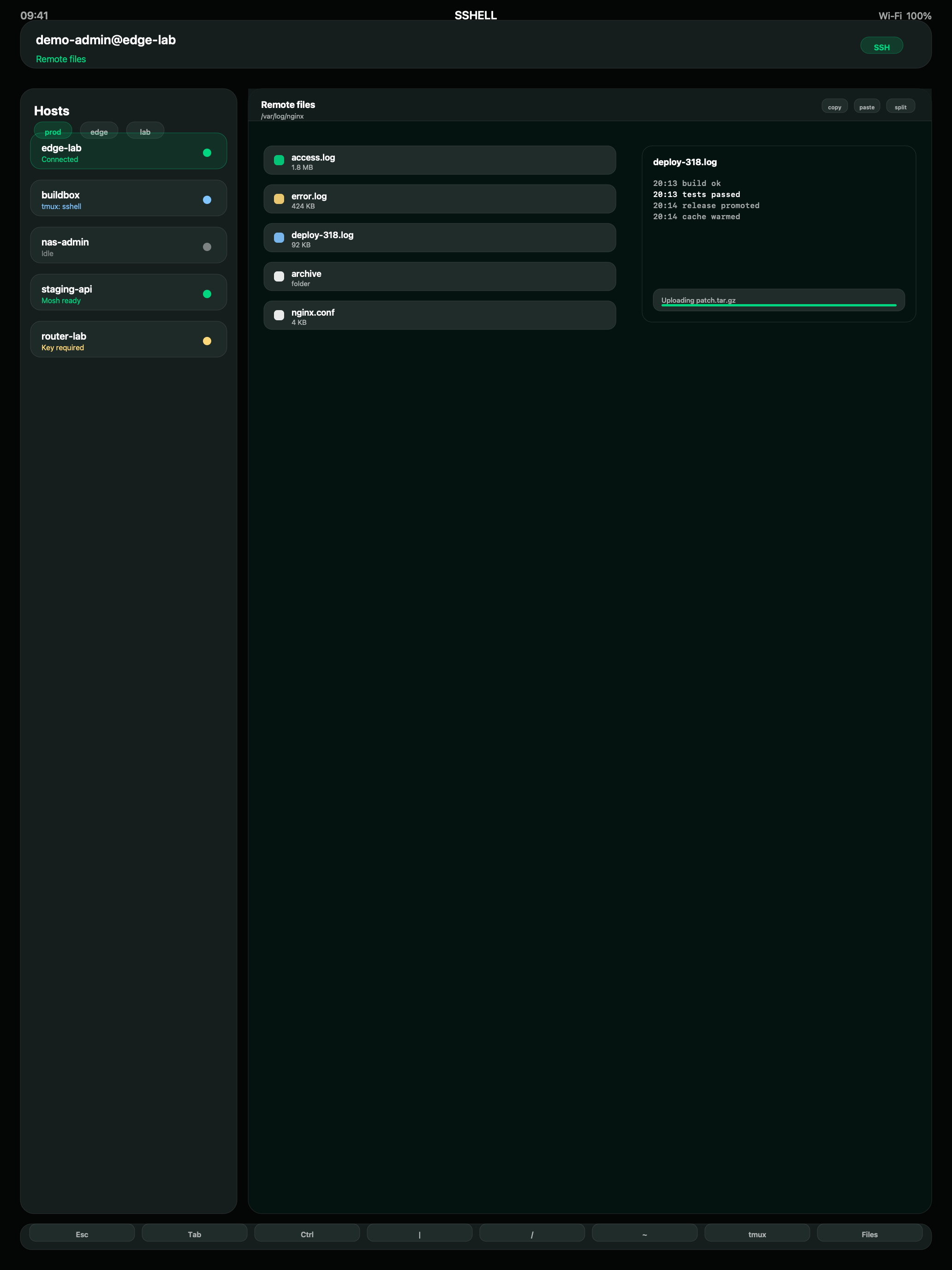
All screenshots are raw simulator captures taken from the normal running SSHELL app on 2026-06-03. No generated images, rendered marketing frames, or screenshot-demo-mode captures are included.

Capture notes
Press screenshots are fresh 1320 x 2868 iPhone and 2064 x 2752 iPad simulator captures taken from normal running SSHELL app screens. Re-capture the app before changing public screenshot claims.
Contact
For review requests, interviews, screenshots, or additional information, contact support@staces.co.uk.